


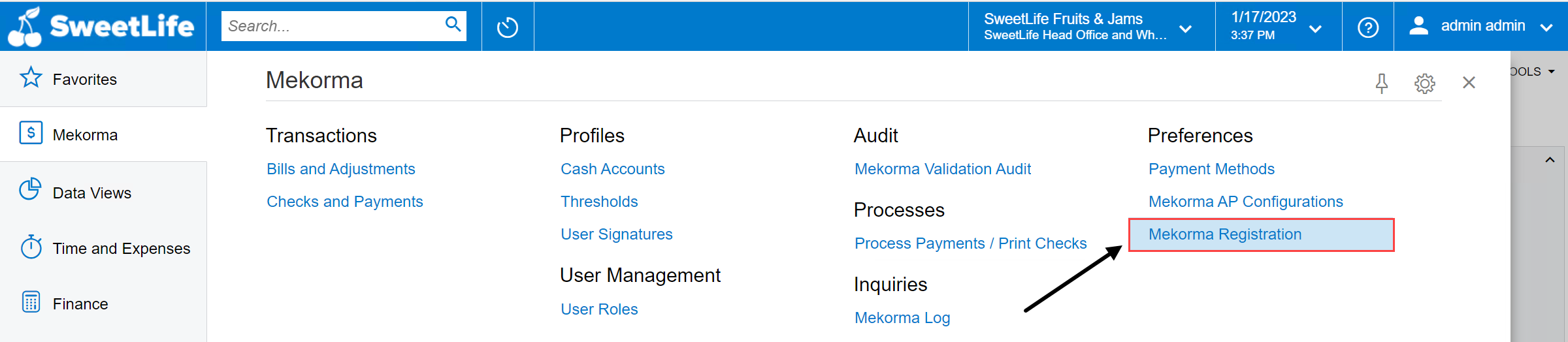
After installing Mekorma Vendor Validation for Acumatica, you will have access to the Mekorma tab in the left-hand toolbar. Here, you can find all the services related to Mekorma mapped in this easy-to-use menu.

- To activate your registration for Mekorma Vendor Validation in Acumatica, click Mekorma Registration from the Mekorma menu (Mekorma area page > Mekorma Registration).

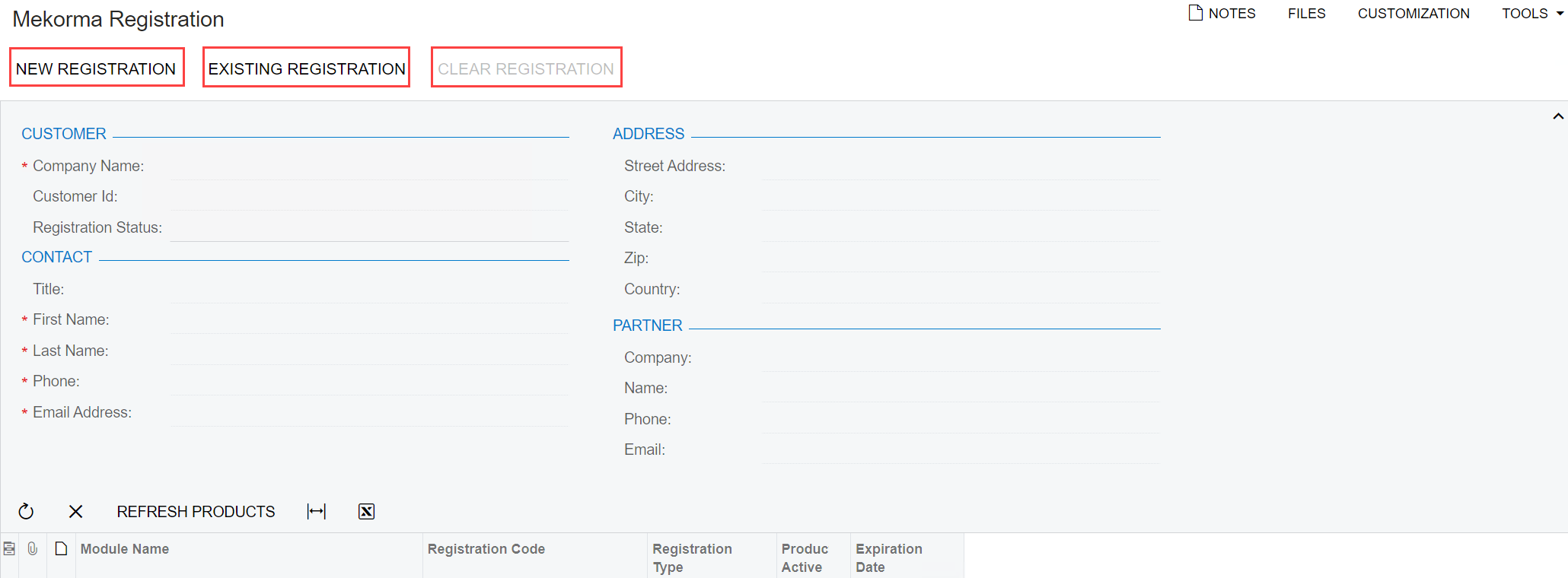
- This opens a window where you have the option to add a new registration, edit an existing registration, or clear an existing registration.
![]()
If you are a new customer, follow these steps for new registration.
If you are an existing customer, follow these steps for existing registration.
Last modified:
September 23, 2024
Need more help with this?
We value your input. Let us know which features you want to see in our products.