


Payables Transaction Approval is the workflow to review, approve, or reject a payment transaction. When you open the workflow, you will see a screen that lists all your companies and the number of existing transactions eligible for review.
- After entering invoice data into Dynamics GP, submit the payables transaction for approval per your standard process.
- Ensure the transaction is assigned to an approver set up with Mobile Workflows.
- Log into PowerApps. Select Mekorma Mobile Workflows.
- On the home screen of your app, click Payables Transaction Approval.
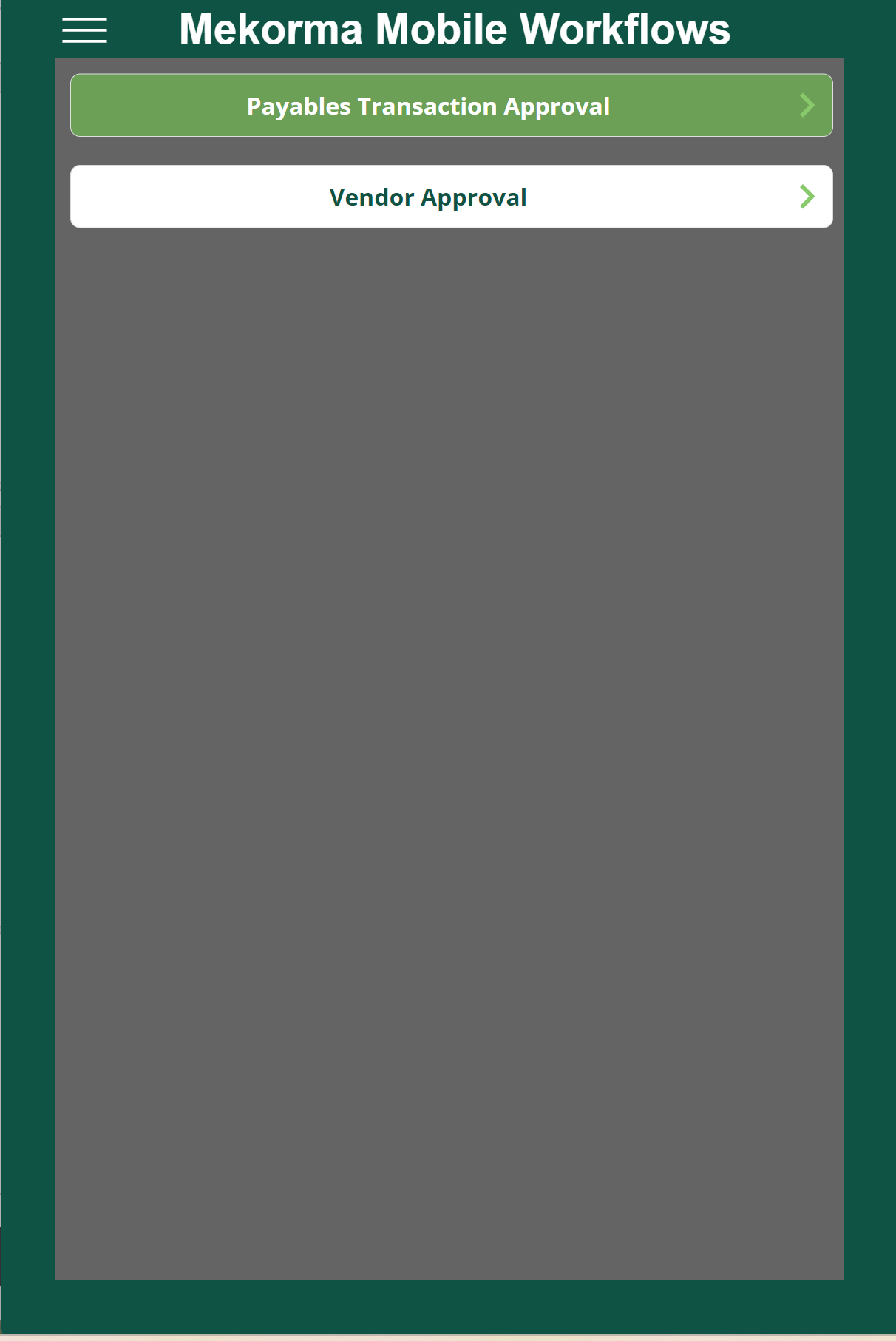
- A list of the companies displays, with the number of pending transactions in parentheses.
- To view a transaction, click the company you want to review.
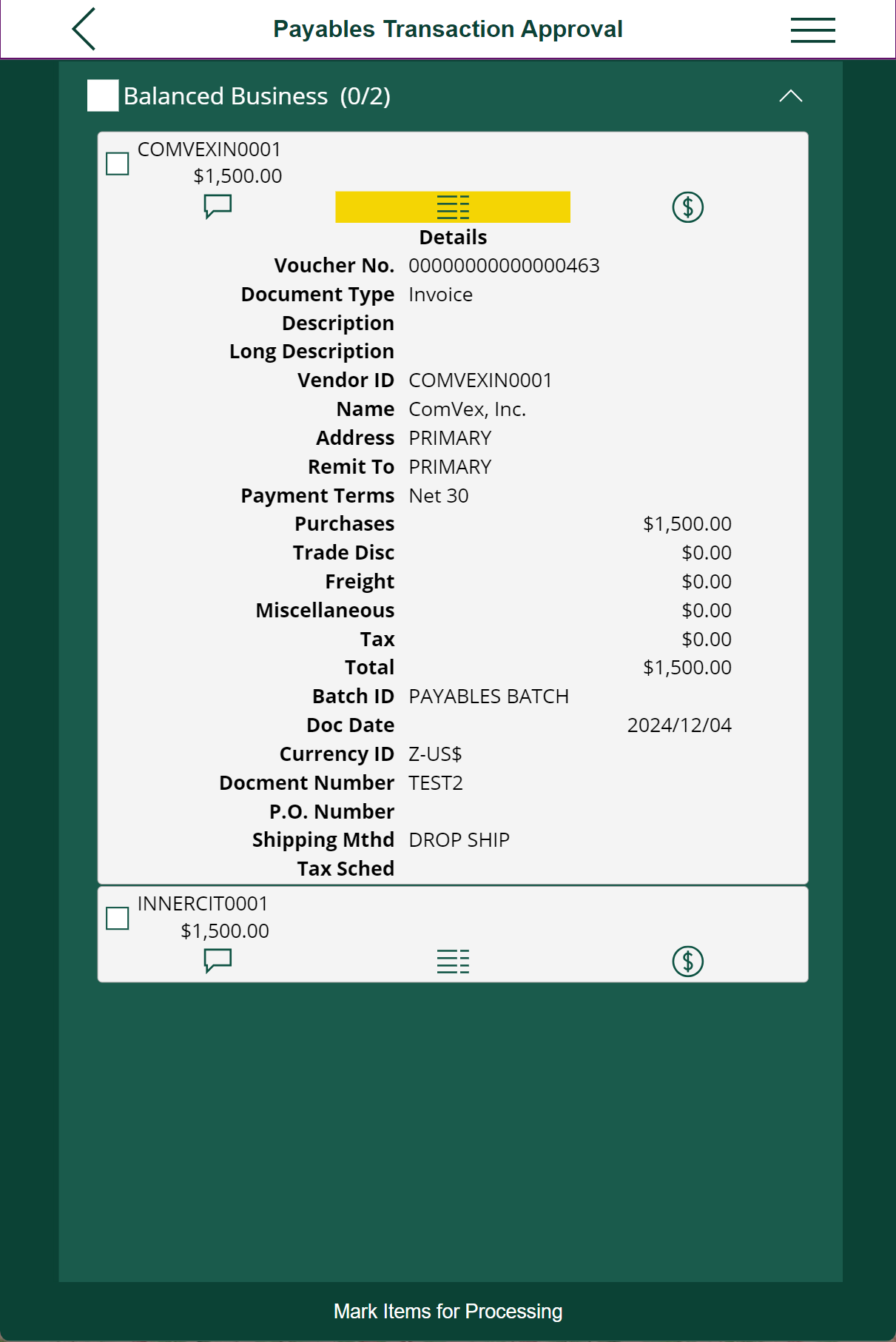
- For additional details:
- Click the Comment checkbox to review any comments added by the requestor to a transaction.
- Click the Detail checkbox to review a transaction more in depth.
- Click the dollar sign icon to view distribution information.
- Click the paper clip icon to view any attachments to a transaction.
- Mark the checkbox next to each trasaction to approve or reject.
To select all transactions for a specific business, use the checkbox next to the business name.
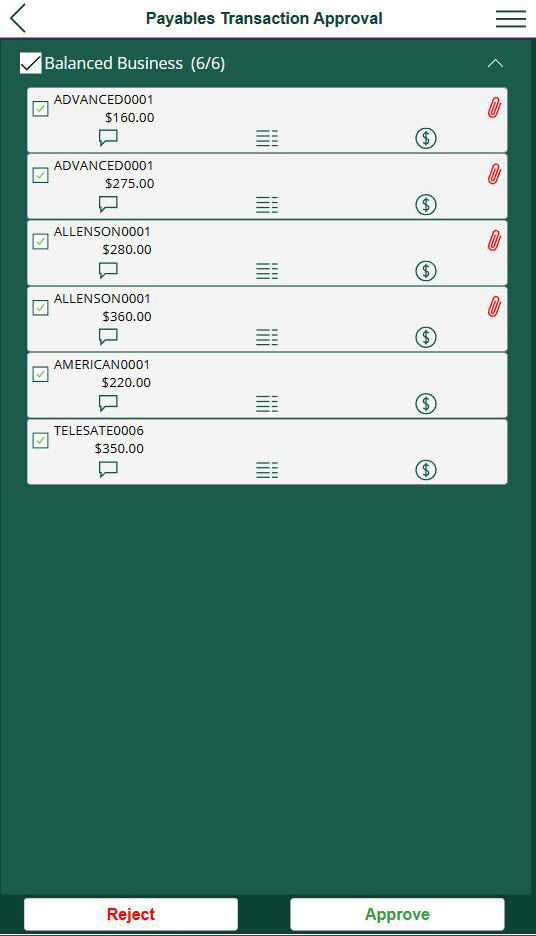
- Click the Approve or Reject button.
- After clicking the appropriate approve/reject button, a dialogue box appears that allows the approver to add comments. This matches Dynamics GP functionality.
- Once a transaction has been approved or rejected, the results are reflected in Dynamics GP and the requestor can view any feedback left by the approver.
Watch this video for a quick overview of approving or rejecting vouchers in Mekorma Power Approvals.
Last modified:
August 12, 2025
Need more help with this?
We value your input. Let us know which features you want to see in our products.