


For the approver on the go, Power Apps offers a mobile app, which acts as a container for third-party Power Apps services. Mekorma Mobile Workflows runs within the context of the Power Apps mobile app. Each approver user must install the Power Apps mobile app to be able to access Mobile Workflows from their mobile device.
Install the Mobile Workflow Power App
- On your phone, open the Apple App Store or Google Play on an iPhone, iPad, or Android device running a supported operating system.
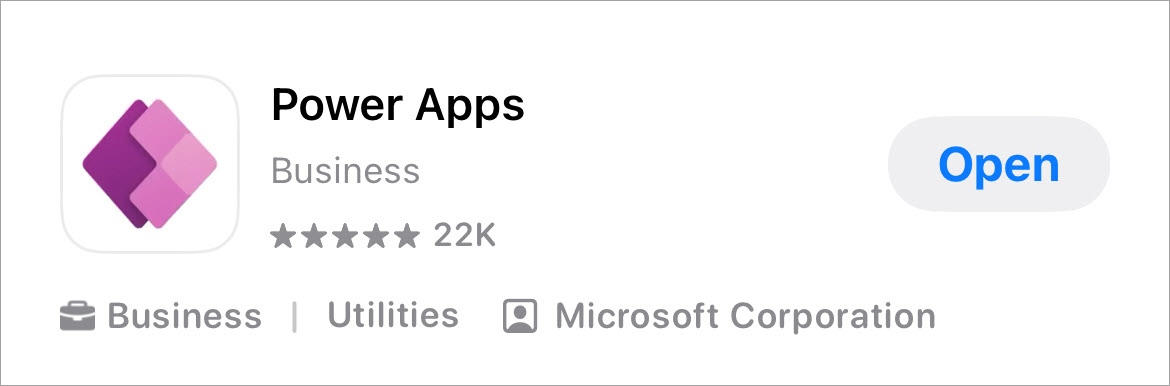
- Search for Power Apps and download the app.
![]()
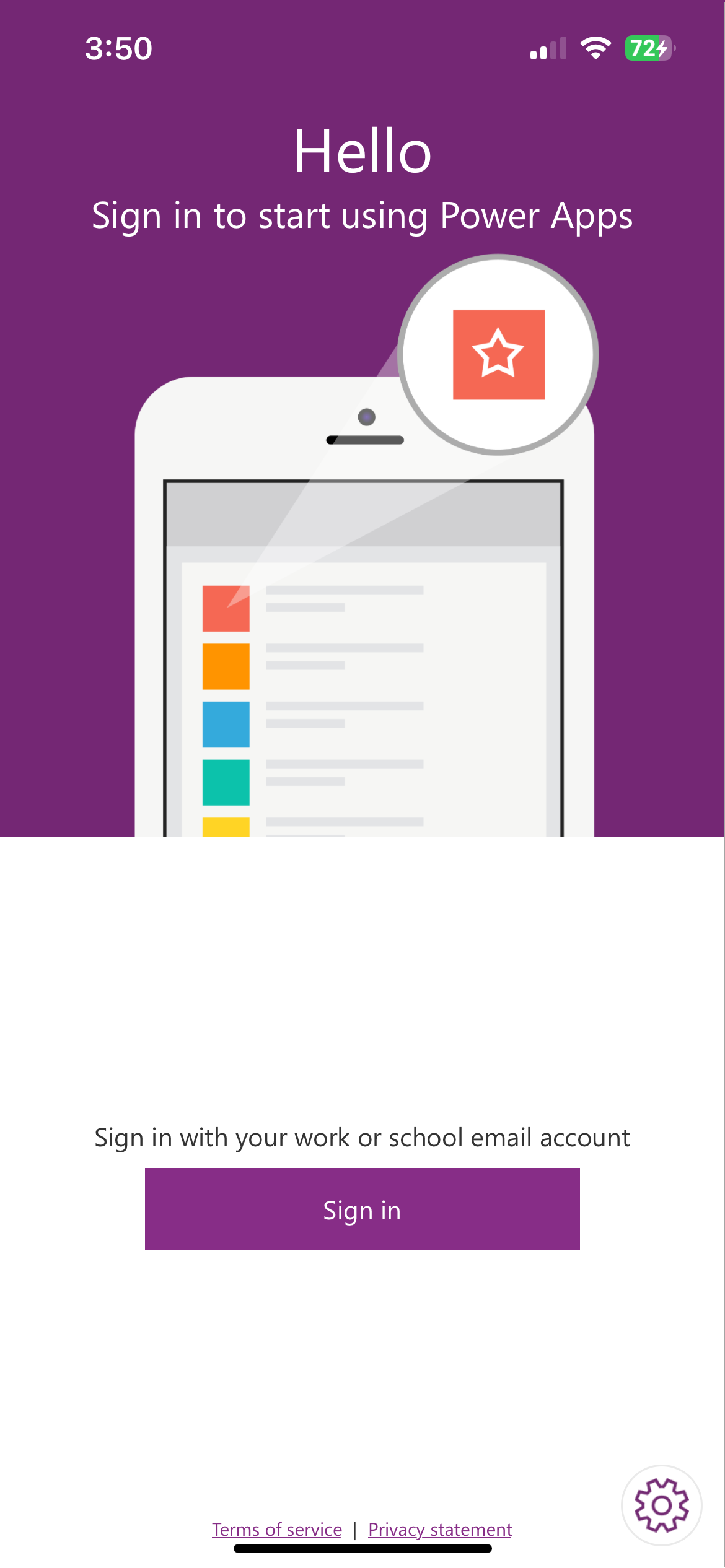
- Open Power Apps on your mobile device and sign in by using your Azure Active Directory credentials.
![]()
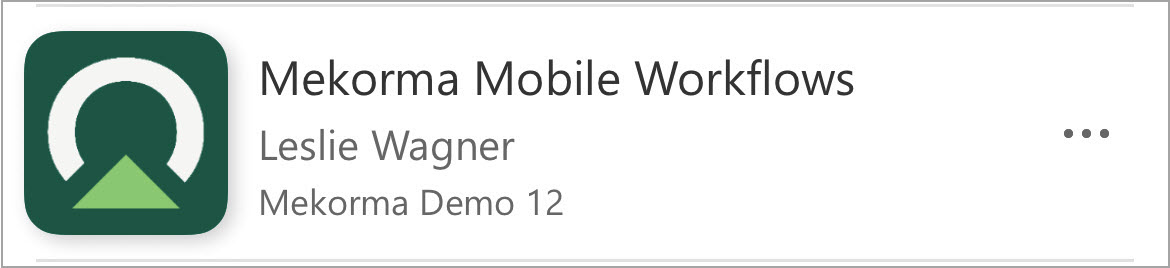
- Mekorma Mobile Workflows is listed as an app being shared with you. To run the app, simply tap on it.
![]()
Last modified:
August 12, 2025
Need more help with this?
We value your input. Let us know which features you want to see in our products.