


You can validate vendor records when processing payables transactions. Mark the Validate Before Printing checkbox in the Mekorma Vendor Validation Company Setup window and enter the number of days for the validation cycle. Vendor records that have not been validated within that number will be validated before checks are printed. The default number is 90 days.
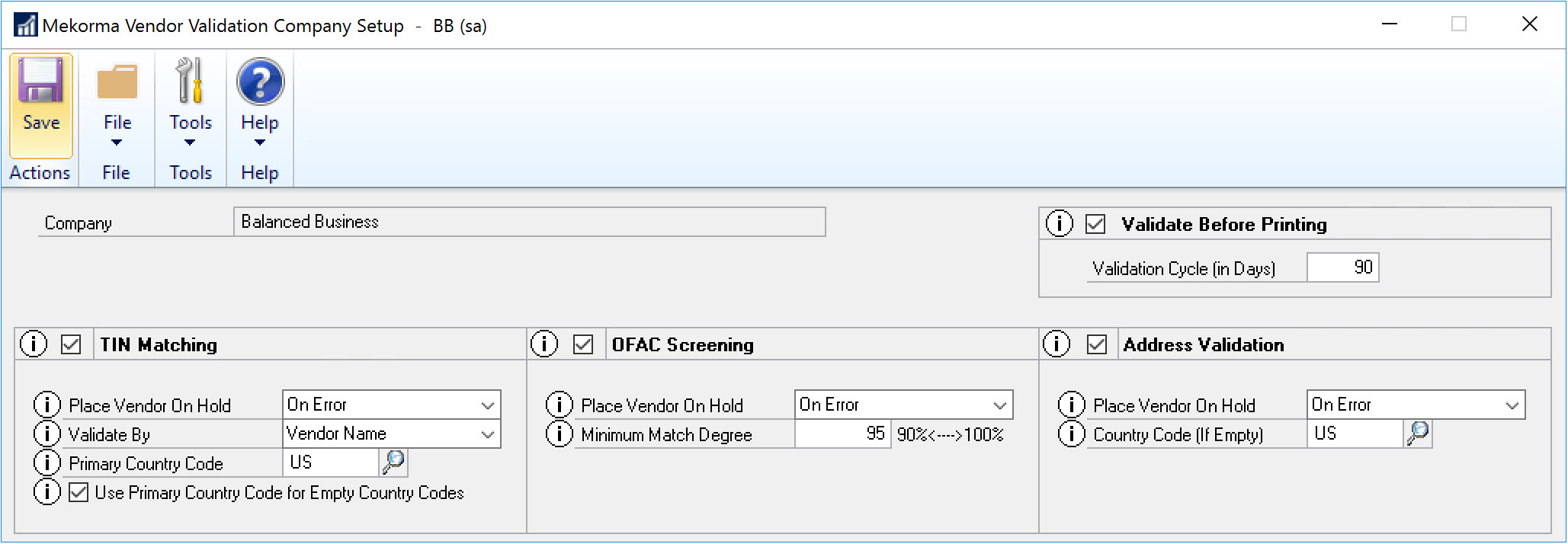
For example, if the Validate Before Printing field is set to 90, a vendor record that was validated on July 1, 2027 would not be validated before September 30, 2027.
If you have selected to place a vendor record on hold when the vendor validation status is something other than OK, and the validation fails, you will receive a message. You will be unable to continue with the check printing process until you have removed transactions for vendor records that are on hold from the payment batch.
Need more help with this?
We value your input. Let us know which features you want to see in our products.