


You need to download both Mobile Workflows components–the Dynamics GP component and the Mobile Workflows Power Apps Solution Package, install the Dynamics GP component and run table maintenance, and import the Mobile Workflows solution into your Power Apps environment.
The download files are available on the Mekorma website under Resources > Product and Support > Product Downloads.
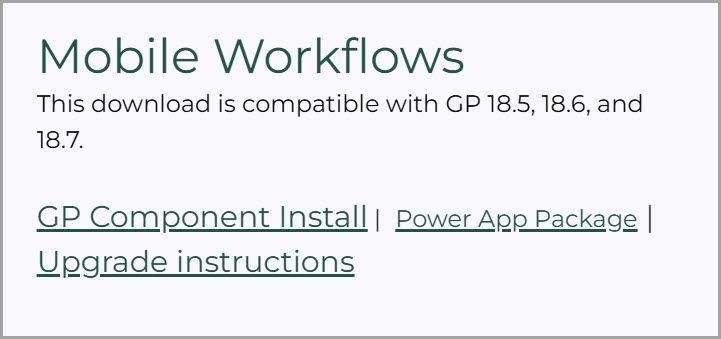
Download the Dynamics GP Component
Download the Mekorma Mobile Workflows GP Component file that aligns with the version of Mekorma that you are using.
You can get the current version here. If you need an older version, you can get it from the Build Archive section.
Be sure to download the correct version.
Download the Power Apps Solution Package
Download the Mobile Workflows Power Apps Package from the Mekorma website. Upon clicking Download Mobile Workflows, a zip file will download. Do not open it. You will import the file to the cloud in the steps that follow.
If you need an older version, you can get it from the Build Archive section.
Need more help with this?
We value your input. Let us know which features you want to see in our products.