


Each user that approves payments requires a Power Apps license to use Mobile Workflows. After you purchase the licenses, you must assign the licenses to approvers and administrators.
Purchasing Microsoft Power Apps Premium Plan
The Power Apps Premium plan will allow you to run unlimited apps and workflows used by those apps. You can purchase the licenses from your GP partner or Mekorma.
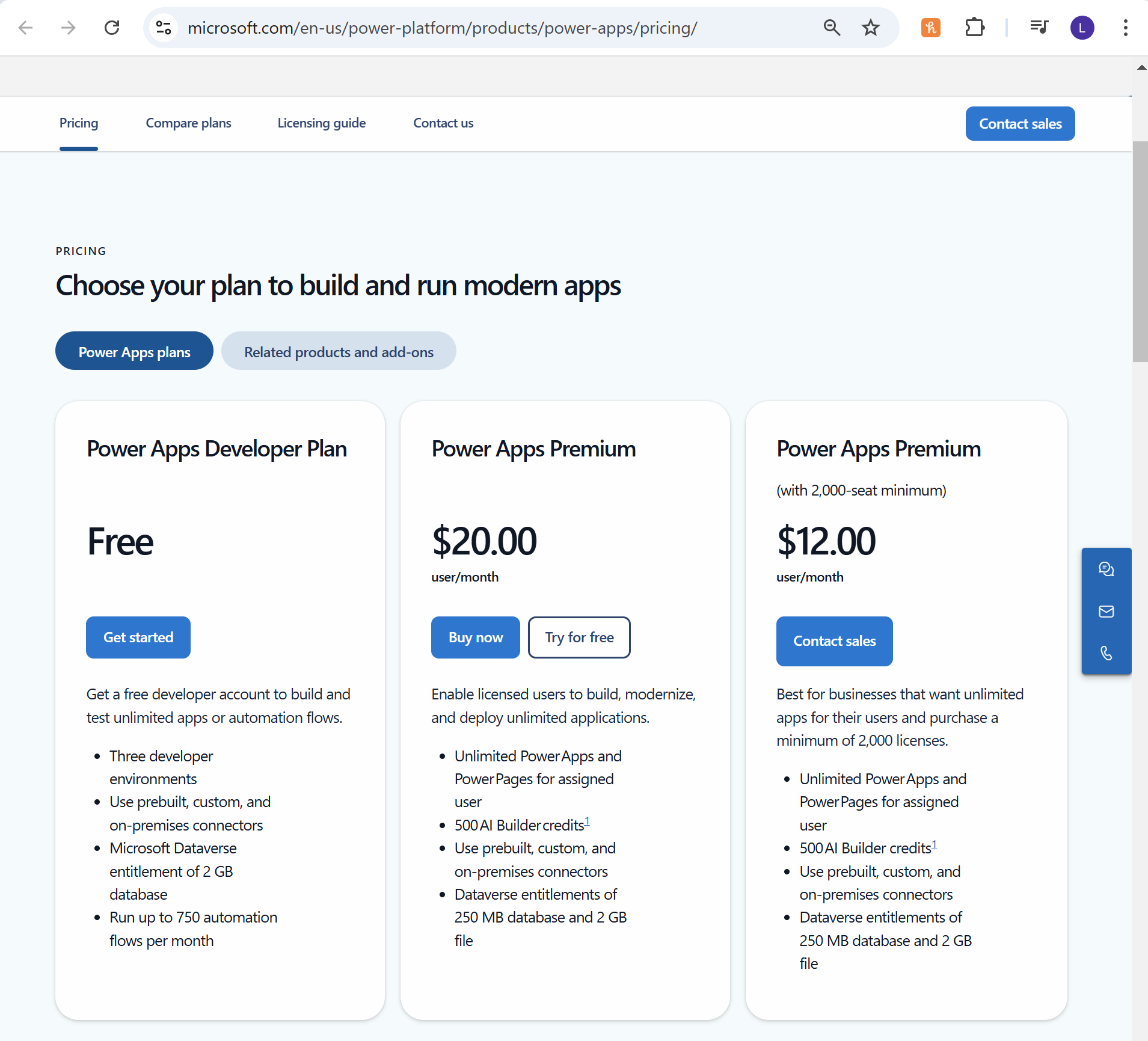
- Click on the Buy now button under the per user/month column.
![]()
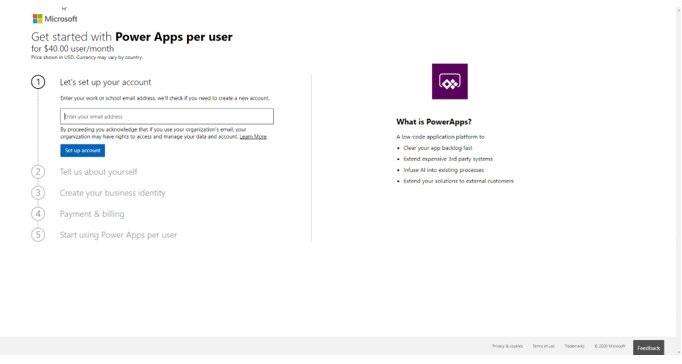
- Enter your email address and click on Set up account to continue.
![]()
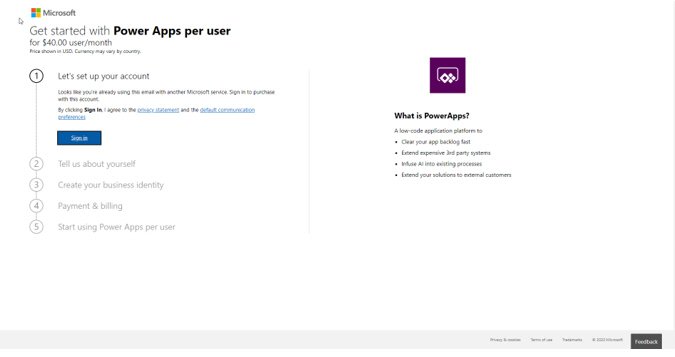
- If you are already using other Microsoft services, you will be asked to sign in. Click Sign in to continue.
![]()
- Upon signing in, you will be asked to confirm your billing information.
![]()
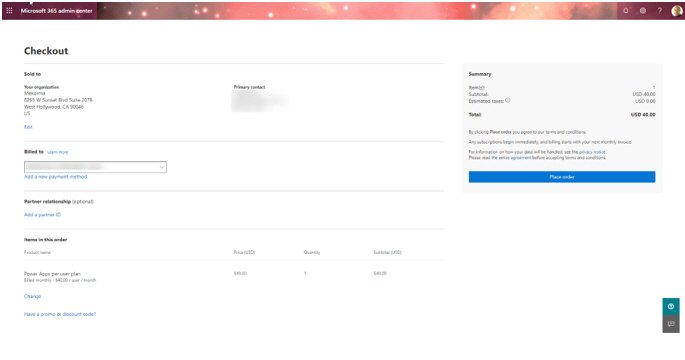
- If you want to acquire additional licenses, click the Change hyperlink under the Items in this order section.
![]()
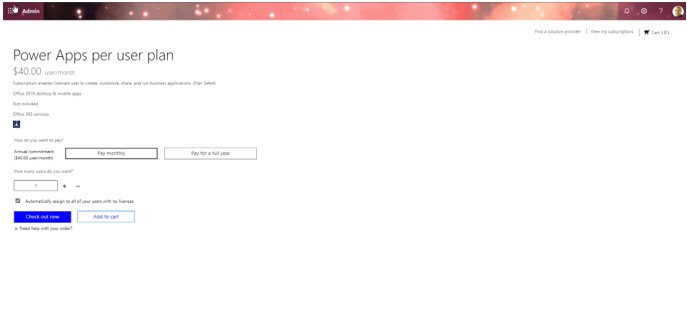
- Enter the new quantities to be purchased and click the Check out now button to continue.
Last modified:
March 26, 2025
Need more help with this?
We value your input. Let us know which features you want to see in our products.