


The Mekorma Mobile Workflow upgrade will be using the SQL Server Connector that you’ve already set up from the previous installation. You do not need to recreate it.
Before importing the Mobile Workflows solution, you must have already downloaded the Dynamics GP component and run table maintenance, and downloaded the Power Apps solution package. Follow these instructions for downloading the components.
- Open your browser in incognito mode, go to Microsoft Power Apps, and log in with the service account. This might look like svc_mobileworkflows@mycompany.com.
- Make sure that you are in the right environment. The name is on the purple bar at the top middle-right.
![]()

- Click on Solutions and then click Import solution.
![]()

- Browse to select the Mobile Workflow solution zip file and click Next.
![]()
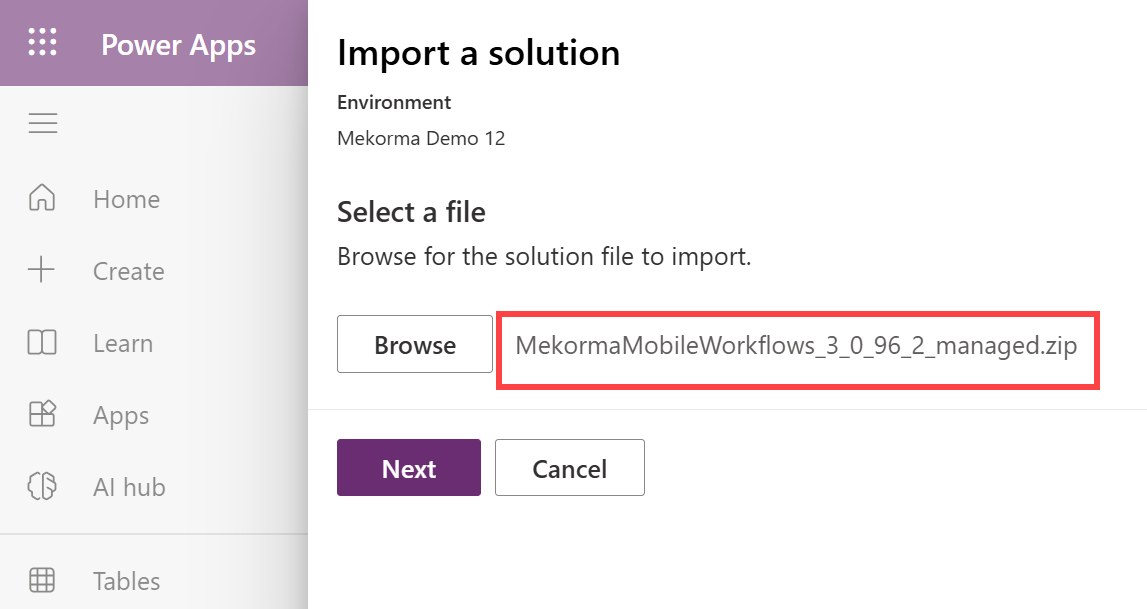
- In the Import a solution panel, click Next.
![]()
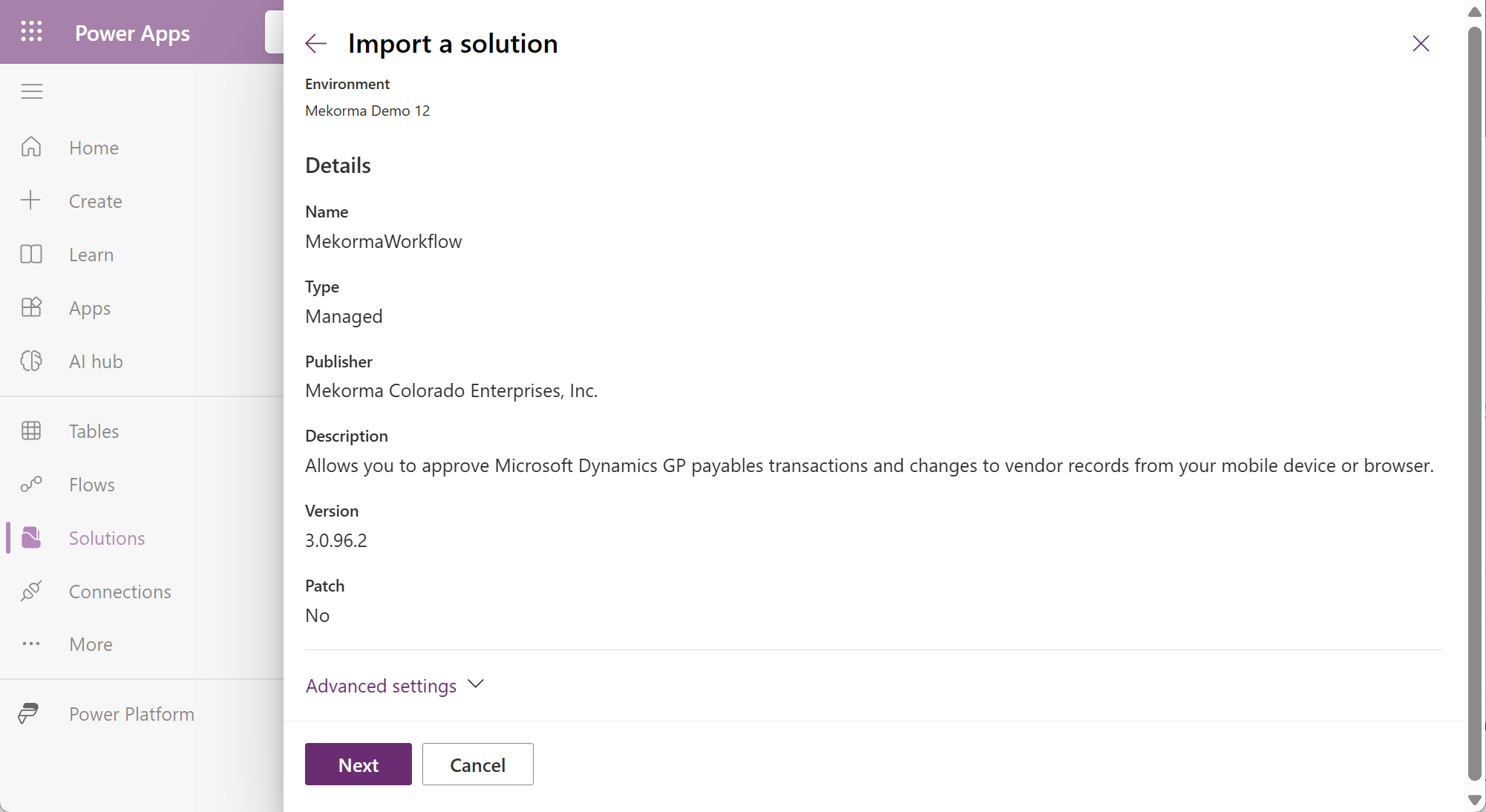
- Importing the package will take a few minutes. Do not navigate away from this page during the process.
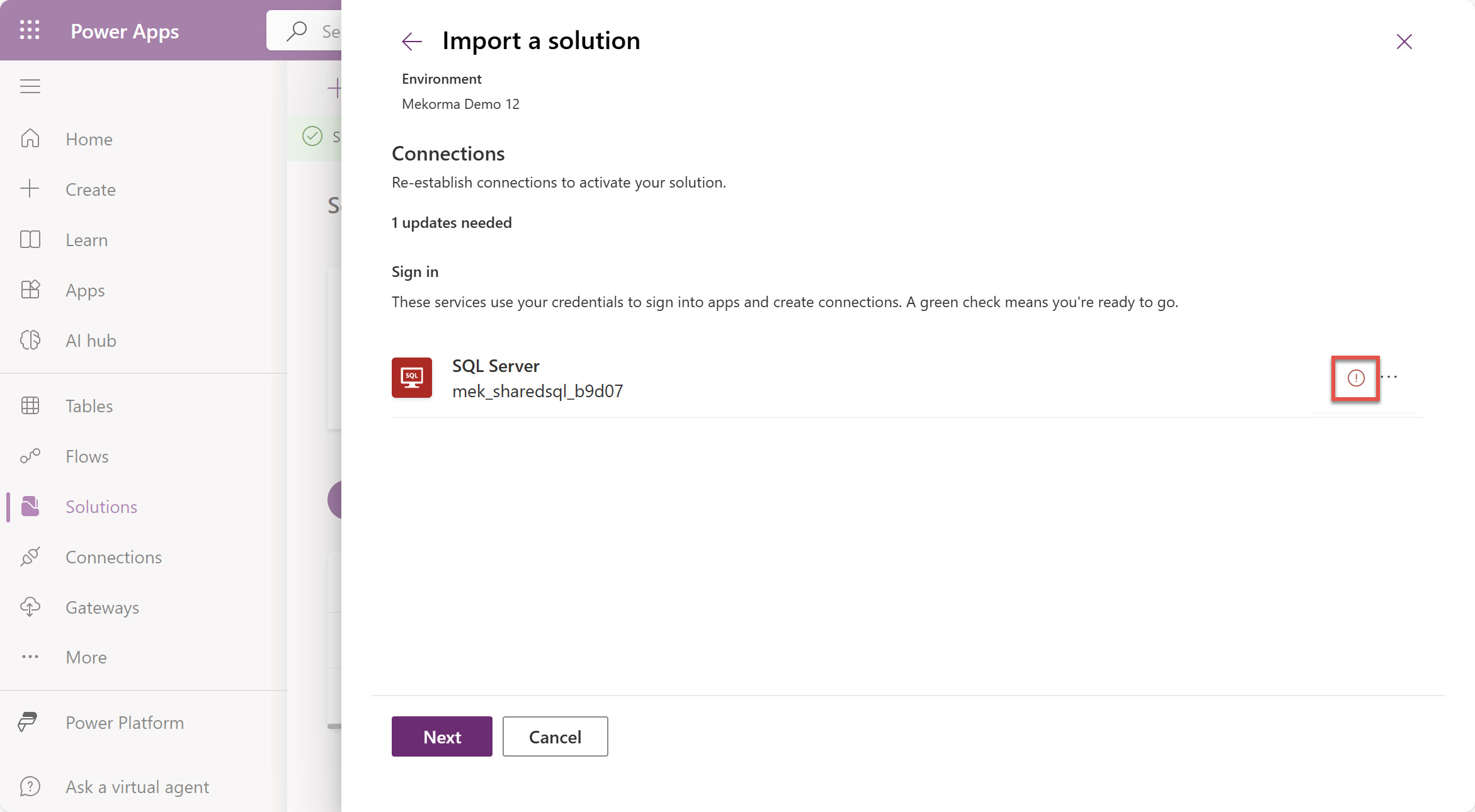
- The solution will establish connections. Services with a green checkmark are ready to go. Click Next.
![]()

If there is a red circle with an exclamation point for the SQL server, click the ellipsis to select the correct connection.
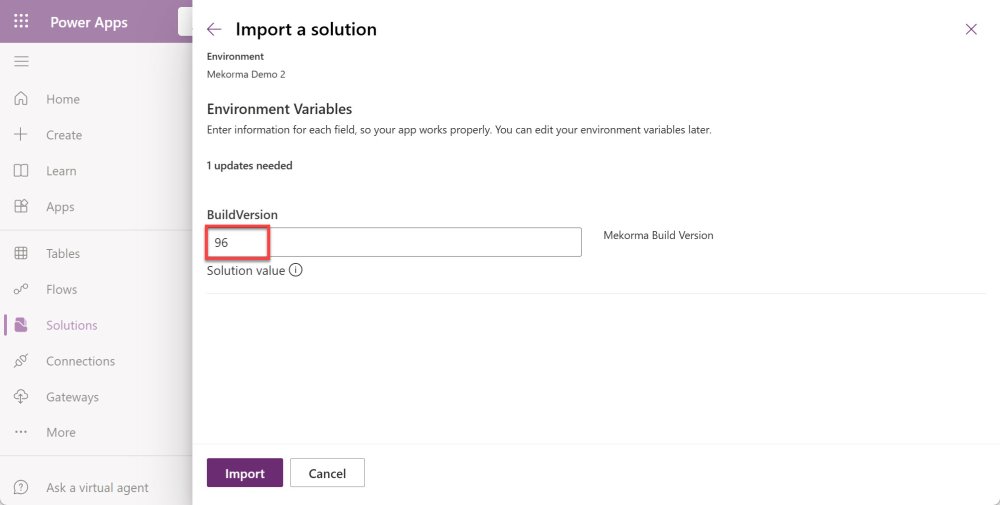
- Enter the version of Mekorma that you are using. Click Import.
![]()
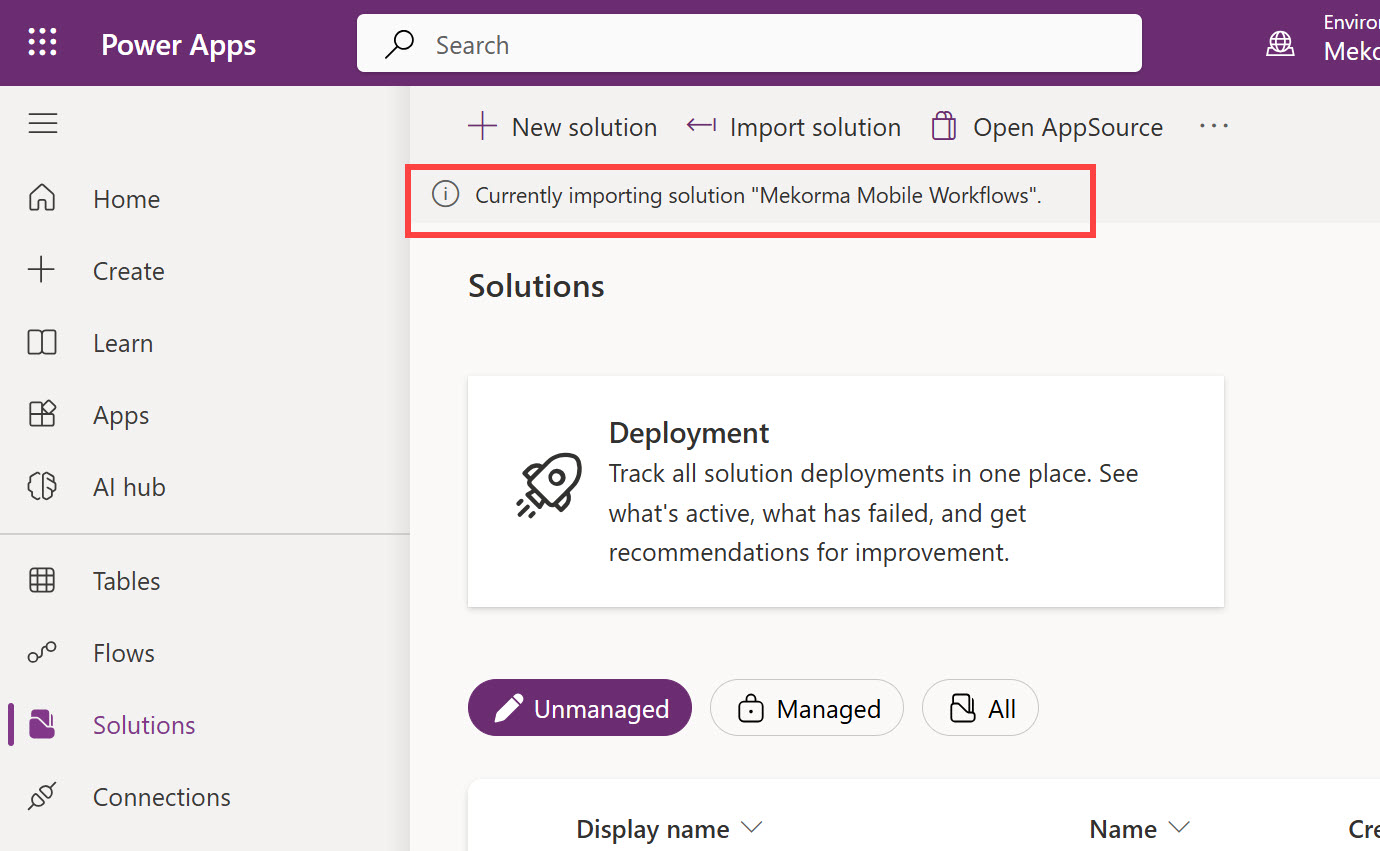
- Importing the package will take a few minutes. Do not navigate away from this page during the process. A progress indicator will be displayed at the top of the window.
![]()
- The progress indicator will indicate when the solution is fully imported.
![]()
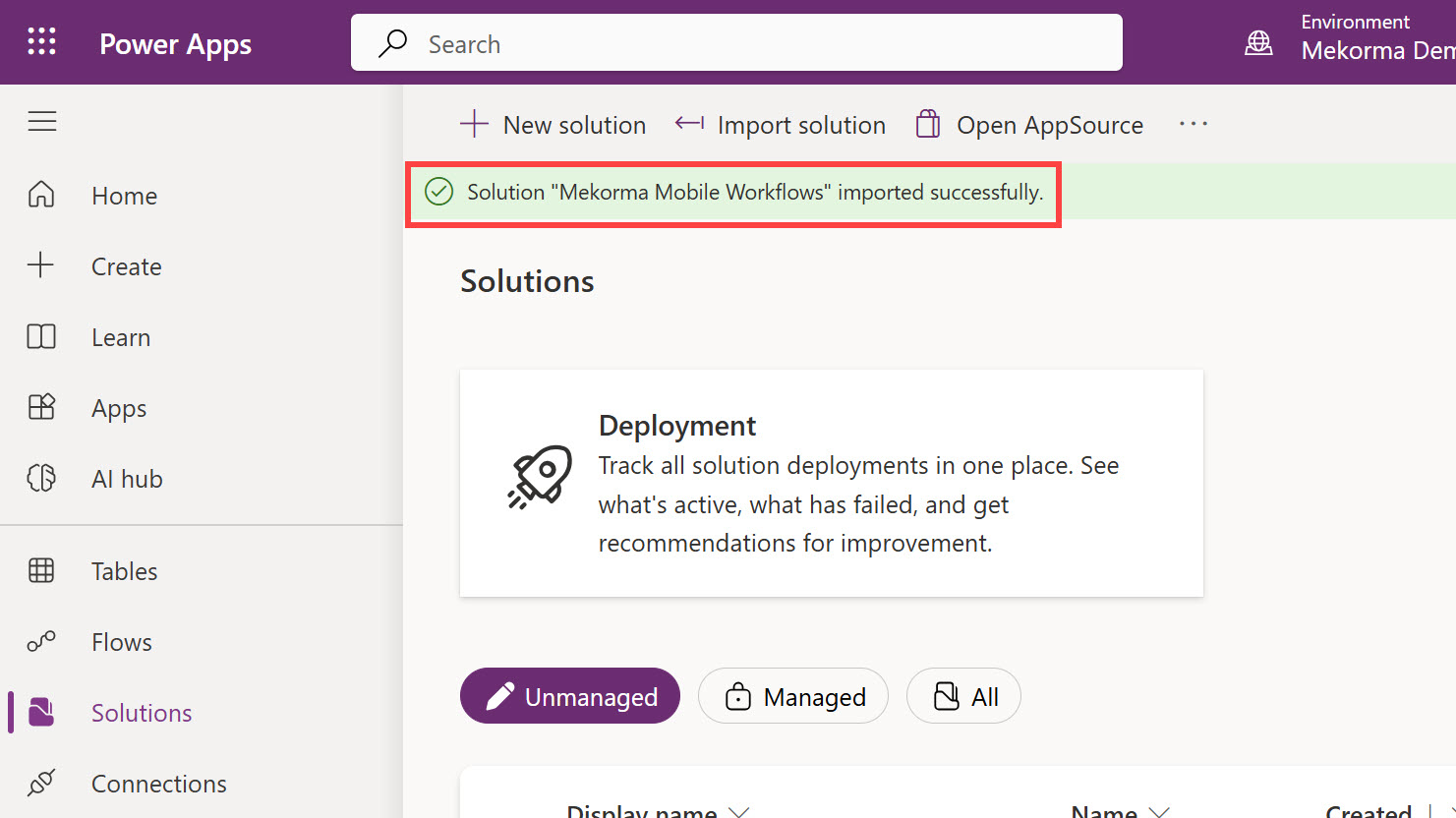
- Review the Created and Version columns to confirm that the latest build has been installed.
![]()
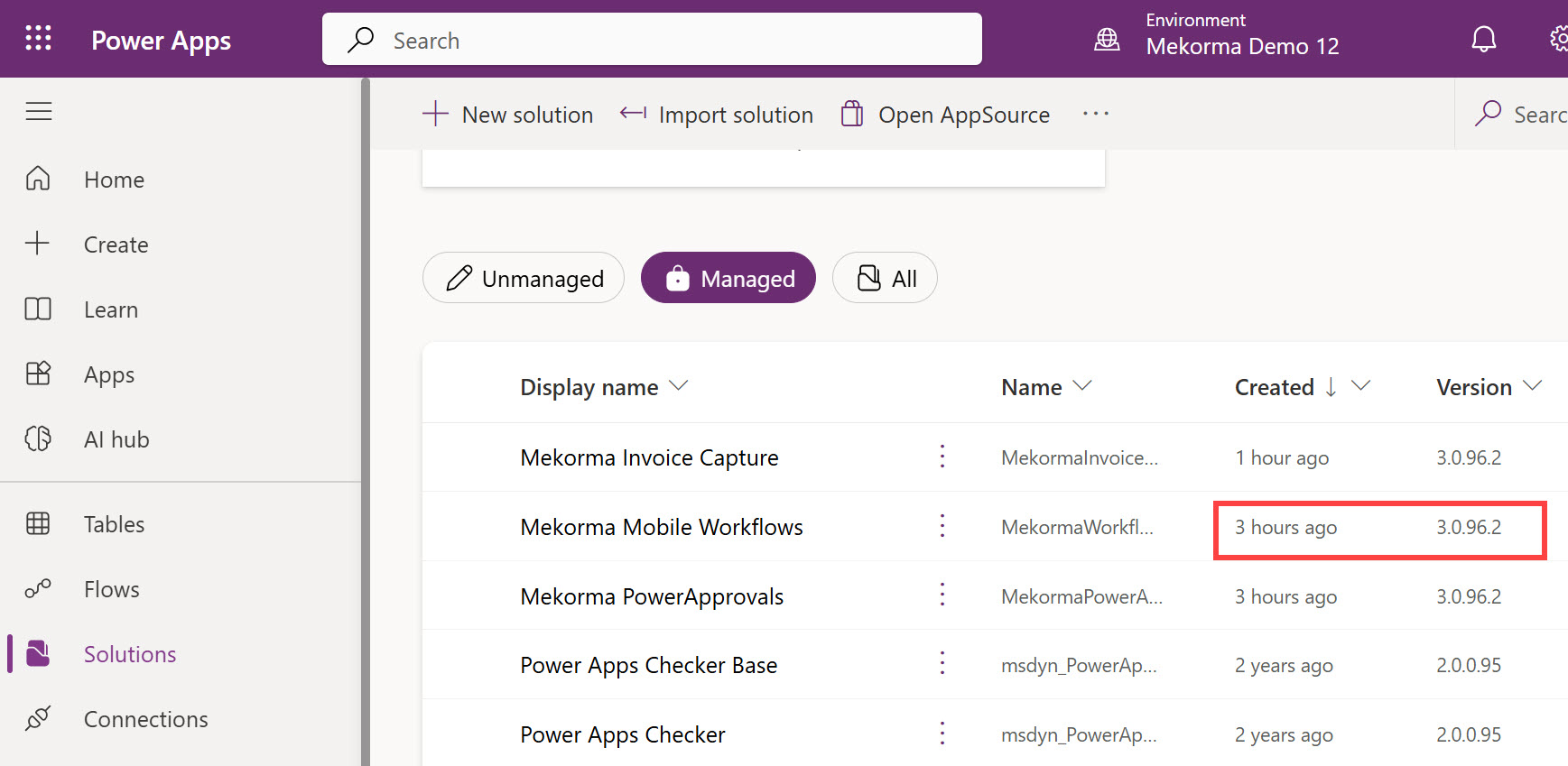
At this point, Mobile Workflow has been upgraded; however, you need to confirm that the Flow is still running.
- Click the Display Name for the solution.
![]()
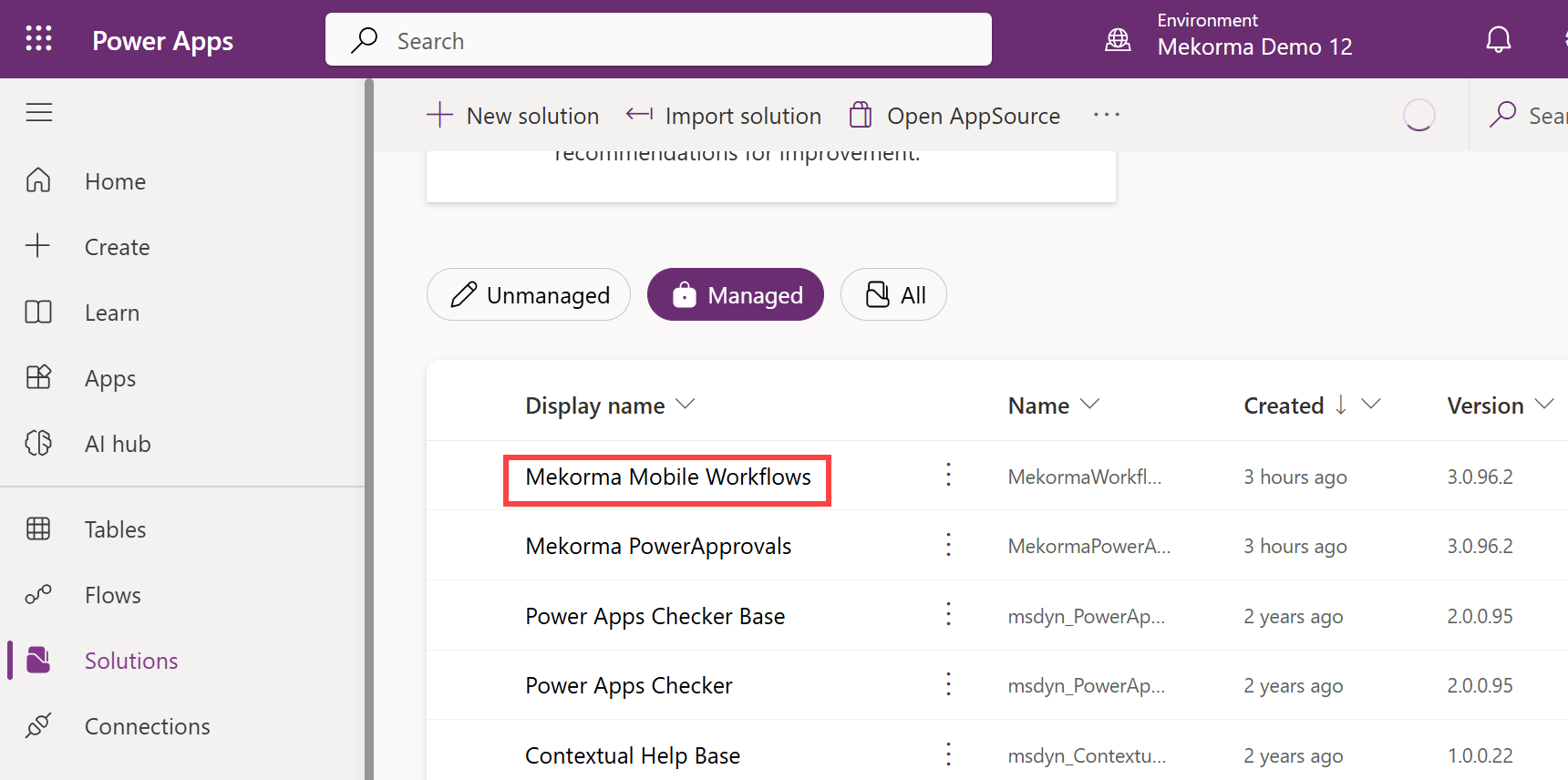
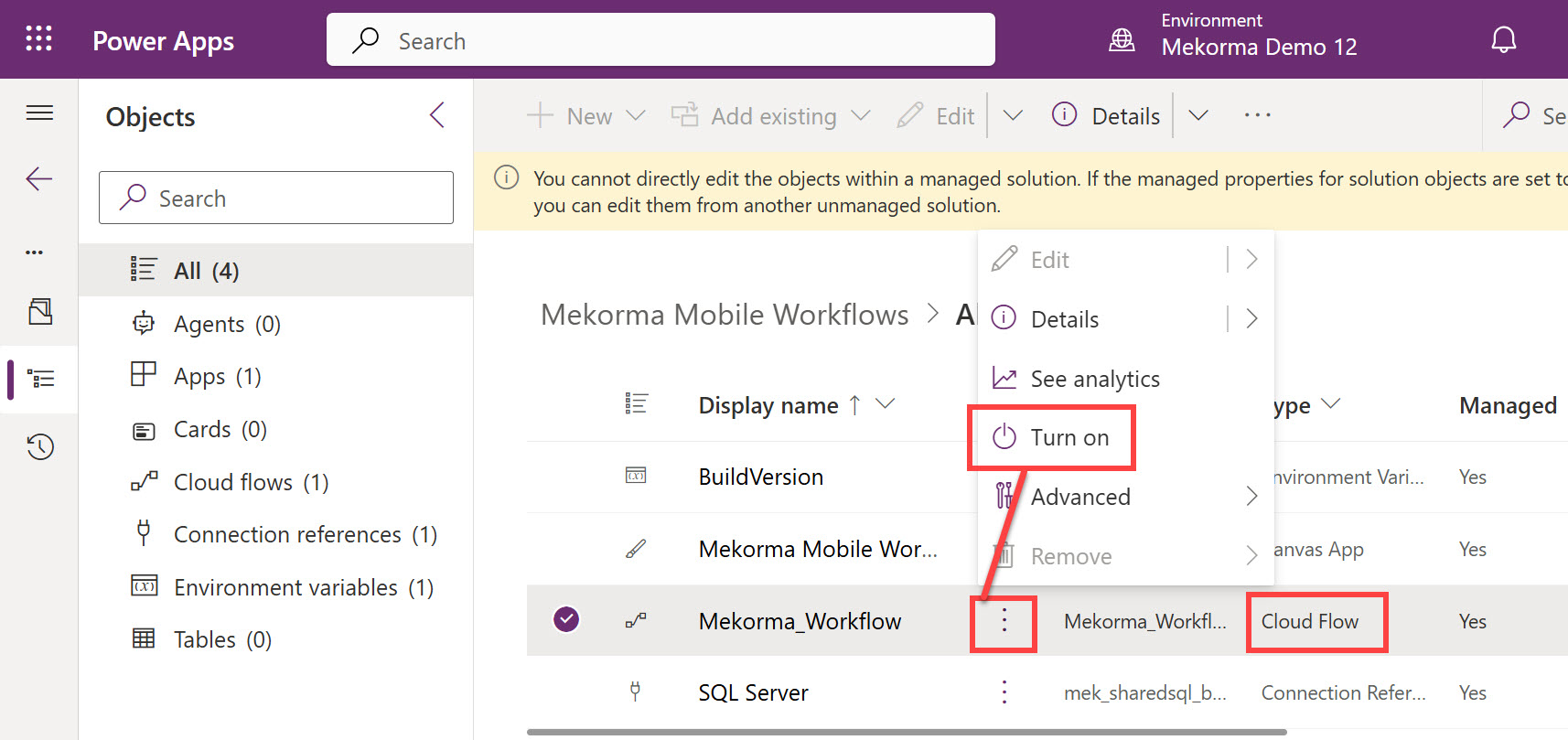
- Locate the Cloud Flow and click the ellipsis (…). If the Flow is off, select Turn On. Wait a few seconds for it to finish. If the flow is already on, there is nothing to do.
![]()
Mekorma Mobile Workflows is now ready to be used.
Need more help with this?
We value your input. Let us know which features you want to see in our products.