


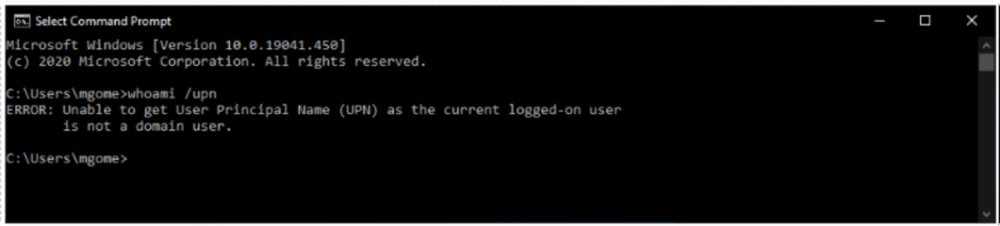
If you don’t know your UPN or are not a domain admin, open the command prompt on your machine and run the command whoami /upn. The result resembles an email address, but it’s the UPN on your local domain account.
Note: In some cases, you may receive the following message: “ERROR: Unable to get User Principal Name (UPN) as the current logged-on user is not a domain user.” Please consult with your system domain administrator or IT department to troubleshoot this issue.
Last modified:
January 15, 2025
Need more help with this?
We value your input. Let us know which features you want to see in our products.