


The instructions for upgrading Power Approvals differs, depending on the type that you are using.
- Power Apps App and Flow
- Power Apps Managed Solution
If you are unsure about which type of Power Approvals you are using, these instructions will help you.
- Open your browser in private mode, go to the Power Apps website, and log in with the service account.
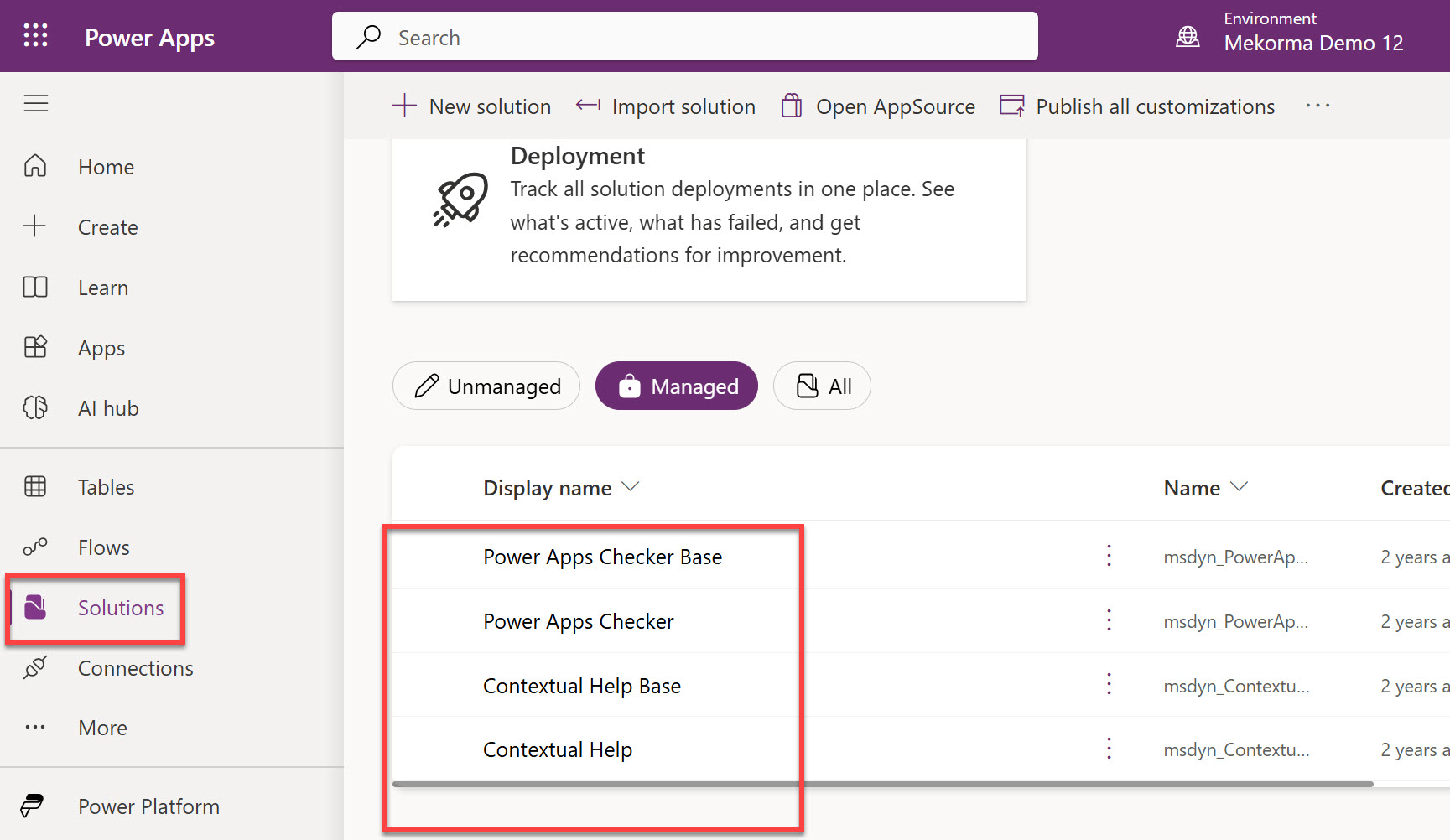
- Ensure you are in the right environment. This can be found in the page header.
![]()

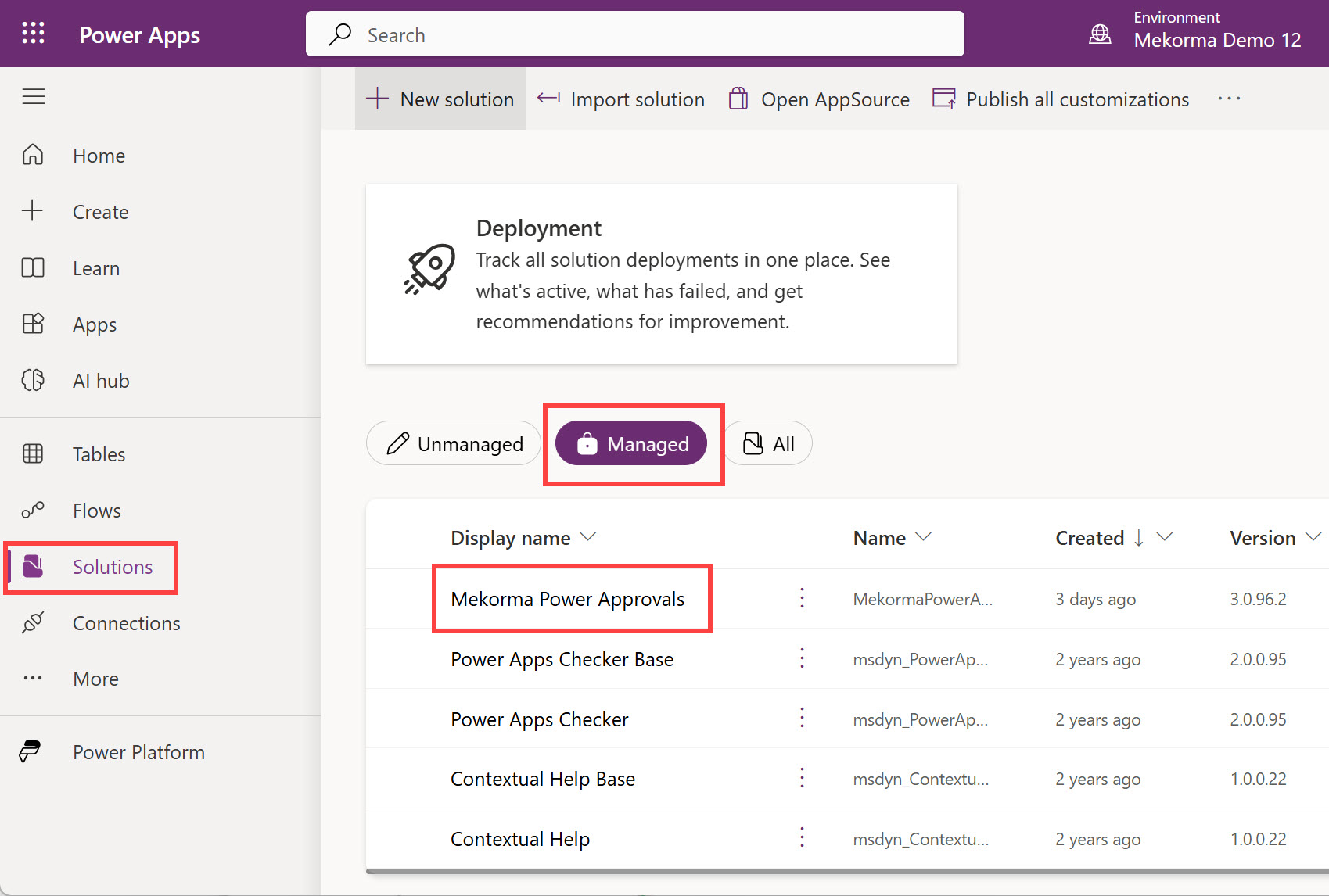
- Click Solutions.
If Power Approvals is not displayed in the Managed area, it is the Power Apps App and Flow type. Follow these steps.
- Downloading Components for an Upgrade
- Deleting Previous Versions of the Power Approvals Solution
- Importing the Power Approvals Solution for an Upgrade
If Mekorma Power Approvals is displayed in the Managed area, it is the Power Apps Managed Solution type. Follow these steps.
Last modified:
April 24, 2025