


Before you create a SQL connector, you need to download the Power Approvals Power Apps Solution Package and import the Power Approvals solution into your Power Apps environment.
The download files are available on the Mekorma website under Resources > Product and Support > Product Downloads.
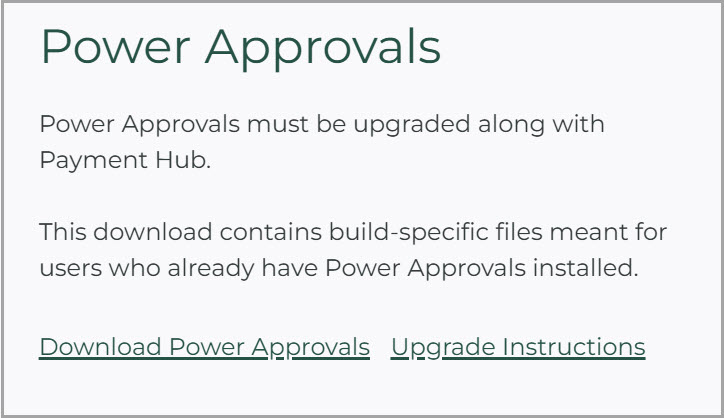
Download the Power Apps Solution Package
Download the Power Approvals solution package from the Mekorma website. Upon clicking Download Power Approvals, a zip file will download. Do not open it. You will import the file to the cloud in the steps that follow.
If you need an older version, you can get it from the Build Archive section.
Last modified:
May 5, 2025