


If your organization can set certain basic policies for how you select your check batches, how often you pay, which payment discounts you want to capture and what payment methods you want to use, then the Mekorma Payment Hub provides a way to greatly streamline your processing efforts. This is called the Payment Hub Action Board and it can save up to 75% of the time you spend in creating and processing payment batches.
The Payment Hub Action Board allows Mekorma users to perform the following actions, all in one window:
- Build Payment Batches
- Request Batch Approval
- Process Checks and EFTs
- Update Remote Payment Services Status
- Post Payments
- Generate EFT files
- Generate SafePay files
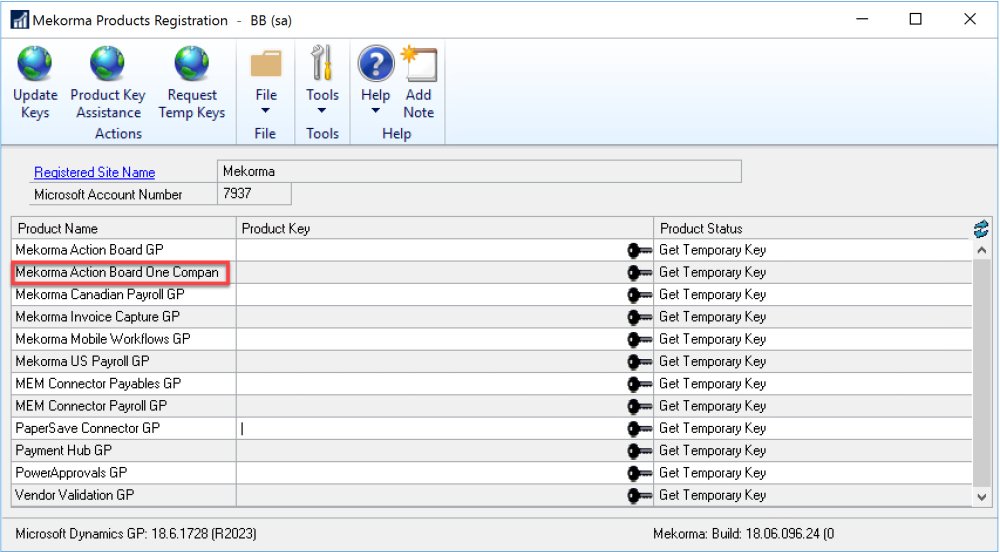
- Action Board for One Company
Mekorma’s Payment Hub Core solution includes Action Board for a single company.
![]()
You also can designate one company as a test company, in addition to Fabrikam, in the Action Board Setup window. (Mekorma > Setup > System > Action Board Setup).
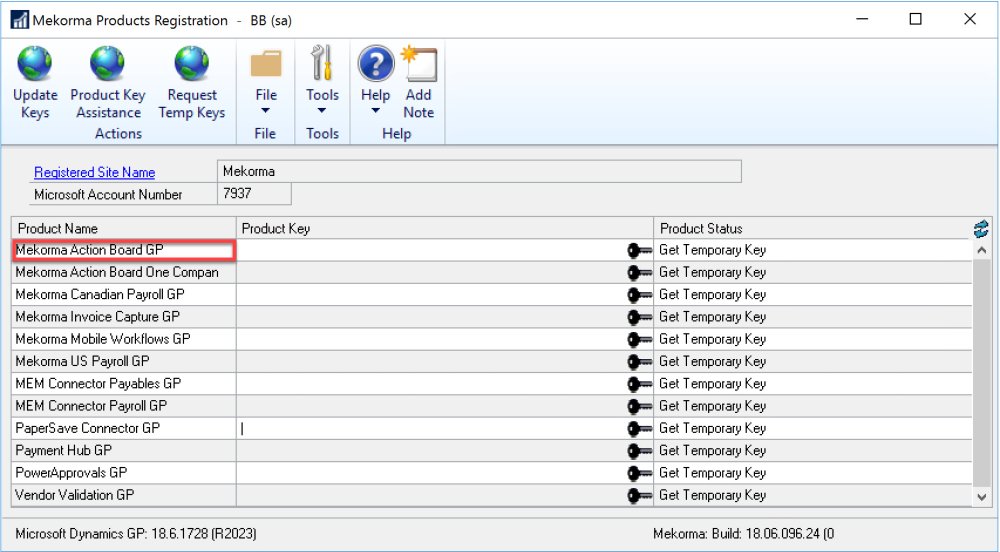
- Action Board for Two or More Companies
Mekorma’s Payment Hub Shared Services Multi-Entity solution includes Action Board for multiple companies.
![]()
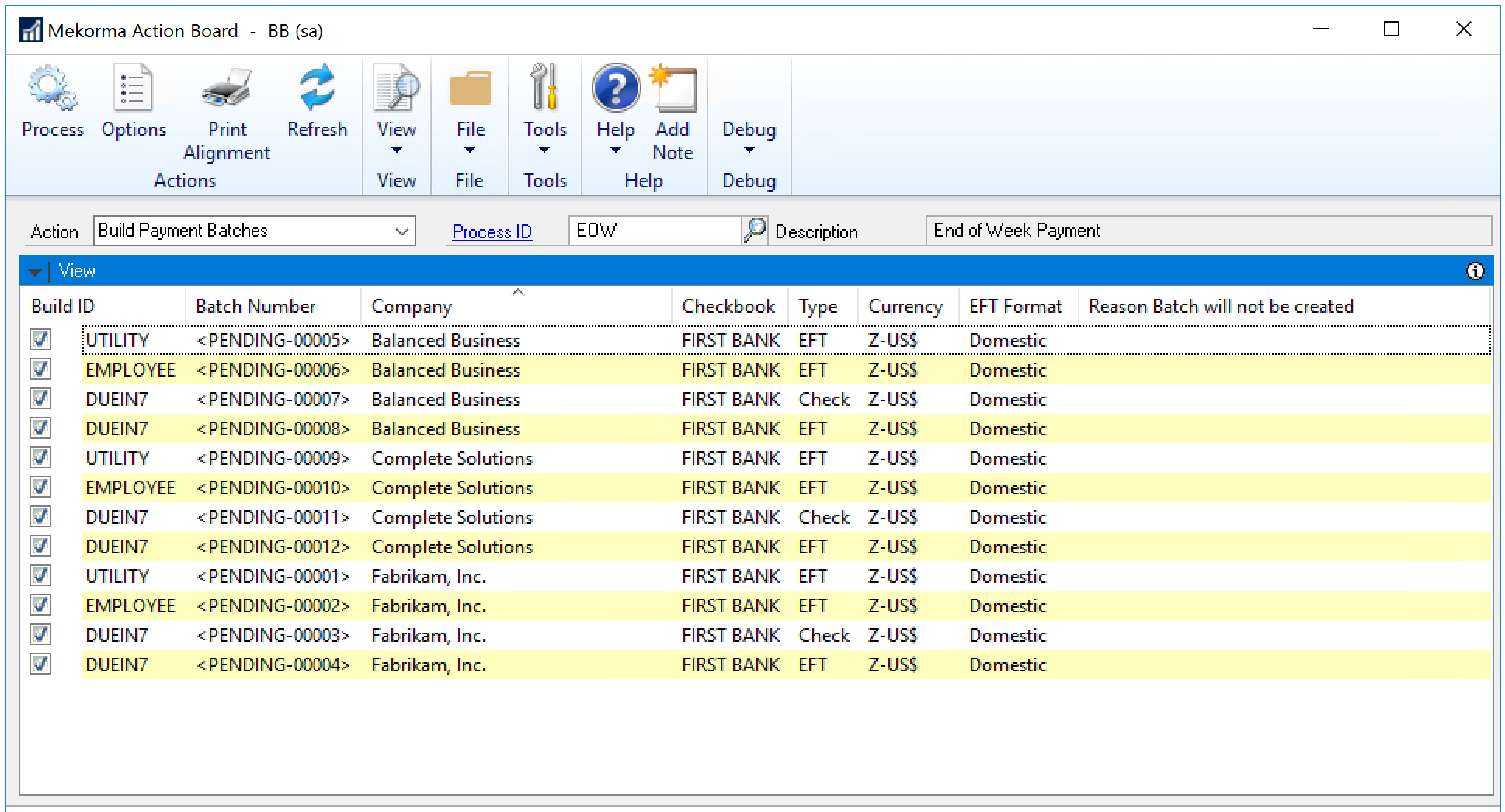
This is beneficial because you can select multiple checkbooks across all your companies and do each of these actions with one click.
![]()
Need more help with this?
We value your input. Let us know which features you want to see in our products.