


Email settings must be configured within Dynamics GP to ensure that vendors will receive EFT remittances.
- In the GP Company Email Setup window, check the box labeled PDF, otherwise Mekorma cannot generate EFT files.

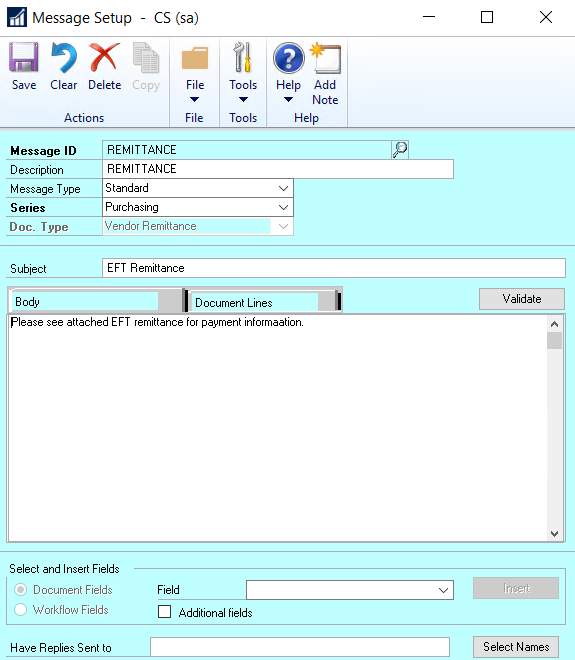
- Create a Remittance Message ID in your GP Email Settings. The EFT file is attached to this message when sent.
- For each vendor who accepts EFT payments, enter the appropriate email address so the system knows where to send your EFT remittances. Go to the Vendor Address Maintenance window > Internet Information window:

Last modified:
October 11, 2019
Need more help with this?
We value your input. Let us know which features you want to see in our products.