


The following steps show you how to add the vendor number to your remittance reports:
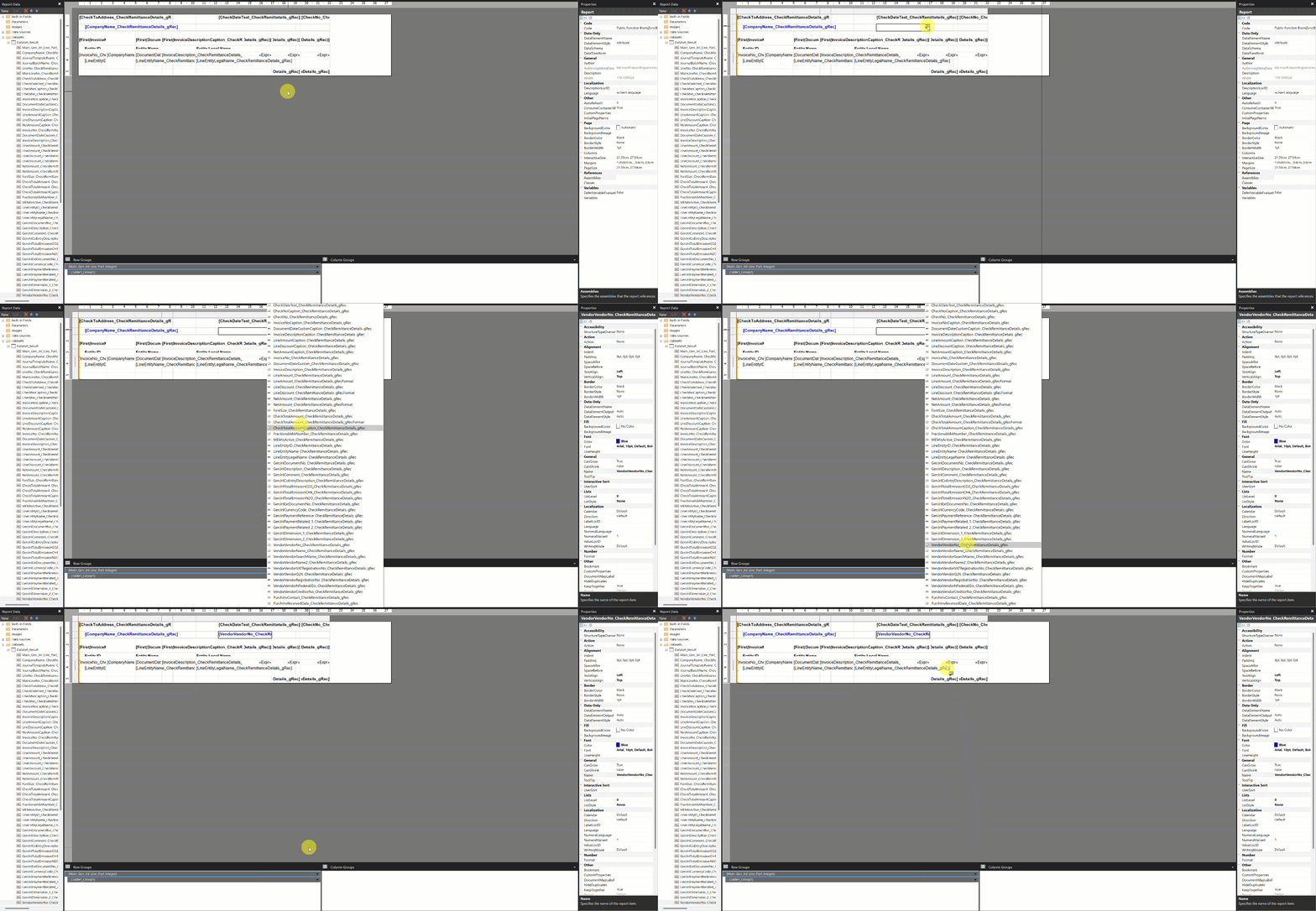
- Open the remittance report in Microsoft Report Builder.
- In the cell where you want the vendor number to display, click
![Report Builder icon]() to open the available datasets for the field.
to open the available datasets for the field.
 to open the available datasets for the field.
- Click the VendorVendorNo_CheckRemittanceDetails_gRec property to add it into the cell.
- Adjust any other report fields as needed to ensure fields are aligned.
- Save the report and upload it back to Business Central as a custom layout.
- Test your changes before implementing the new check to production.
Last modified:
November 18, 2025
Need more help with this?
We value your input. Let us know which features you want to see in our products.