


Fine-tuning a MICR line involves adjusting its position on a check to ensure accurate scanning and processing by banks. Mekorma checks are designed for the MICR line to print properly, but if you need to fine-tune it, follow the steps provided here:
- Open the check report in Microsoft Report Builder.
- Click once on the MICR line to enter field edit mode.

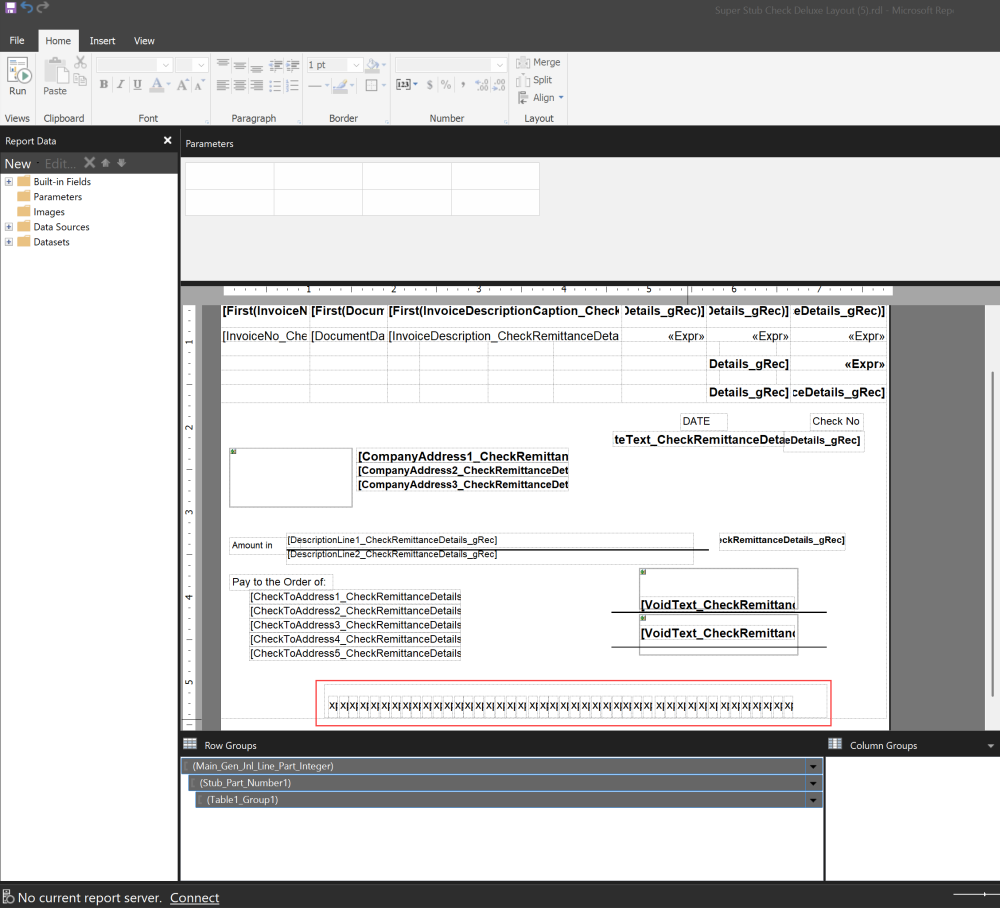
- To adjust the MICR line one pixel at a time, hold Ctrl and use the arrow keys. You can also drag the field with your mouse, or use the arrow keys without holding Ctrl.
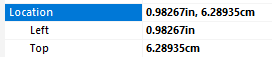
- To adjust by absolute location, open the properties panel, choose the unit of measure, and edit the location.

- Save the report and upload it back to Business Central as a custom layout.
- Test your changes before implementing the new check to production.
Last modified:
December 10, 2025
Need more help with this?
We value your input. Let us know which features you want to see in our products.