


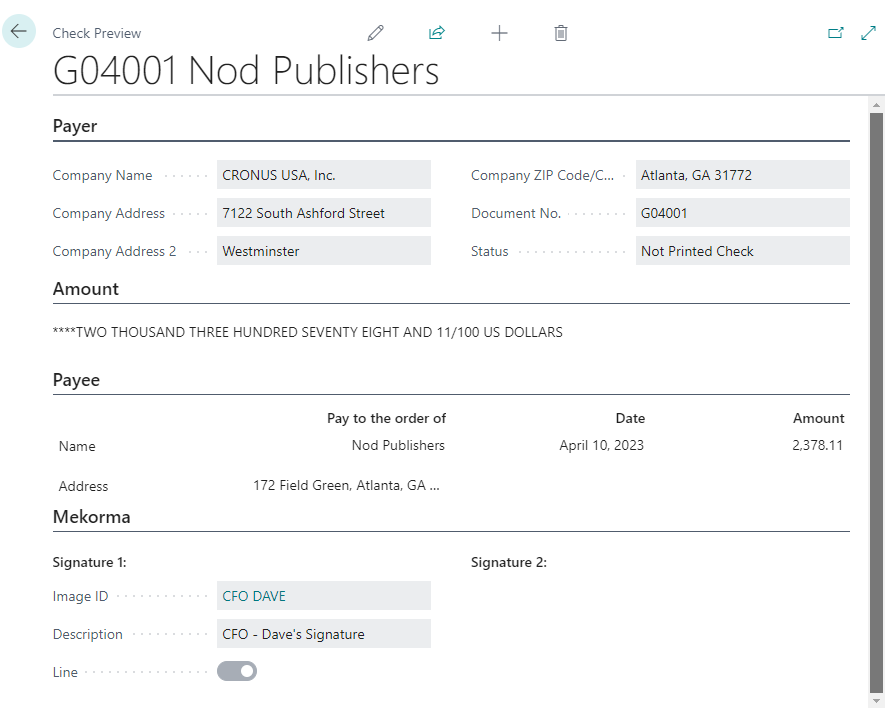
To preview the electronic signature that will appear on a check:
- Ensure Bal. Account Type is set to Bank Account.
- Select a bank account in the Bal. Account No. field.
- Select Check > Preview Check.
- Click in the Image ID field to preview the attached signature image.
Last modified:
April 29, 2026
Need more help with this?
We value your input. Let us know which features you want to see in our products.