


Prior to submitting batches for approval with Action Board, you need to create batch approval workflows in Business Central. When these workflows are created and enabled, the batches for each company display in Action Board. For more information on approval workflows within Business Central, visit Set up approval workflows – Business Central | Microsoft Learn.
- Go to Workflows.
- Click New Workflow from Template.
- Select General Journal Batch Approval Workflow, found in the Finance group.
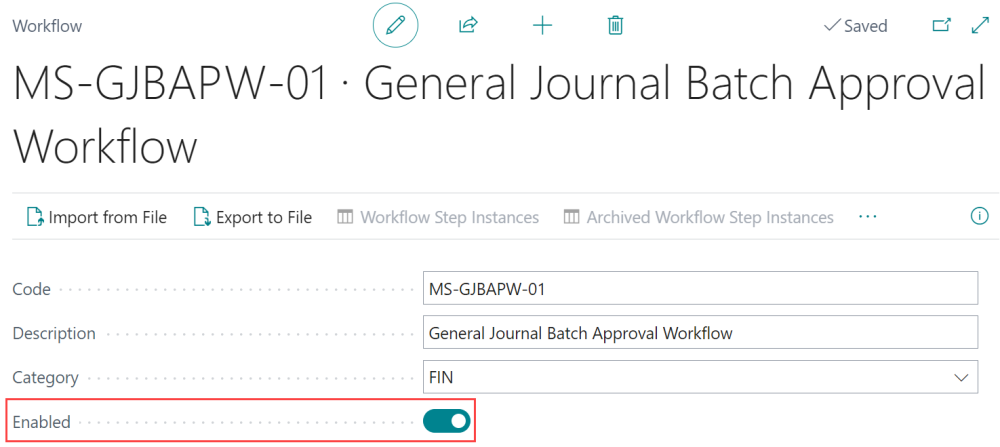
- Enable the workflow for MS-GJBAPW-01 General Journal Batch Approval Workflow.

- Repeat these steps for each company you will be using Action Board with.
Last modified:
May 13, 2026
Need more help with this?
We value your input. Let us know which features you want to see in our products.