


Action Board requires that you enable the specific companies to use for Action Board processing. The number of companies that can be enabled depends on your Mekorma license:
Mekorma’s Payment Hub Core solution includes Action Board for a single company. You cannot enable a company that is using Multi-Entity Management (MEM) by Binary Stream®.
Mekorma’s Payment Hub Shared Services Multi-Entity solution includes Action Board for multiple companies. You can enable as many companies as needed.
- From an admin account, go to Mekorma Action Board Companies.
- Select the companies you want to use with Action Board. To select all, click Actions > Mark All.
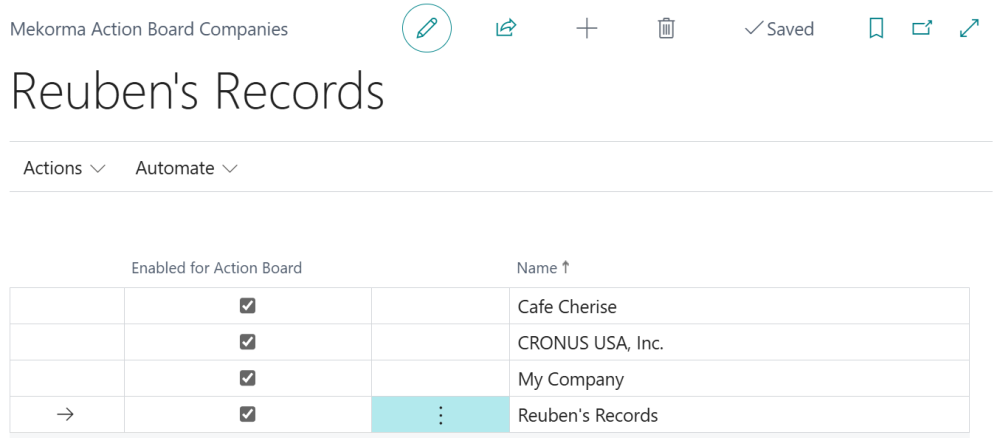
- To disable Action Board for a company, unmark them from this page.
Last modified:
September 9, 2025
Need more help with this?
We value your input. Let us know which features you want to see in our products.